
Your AI Is Guessing Your Product
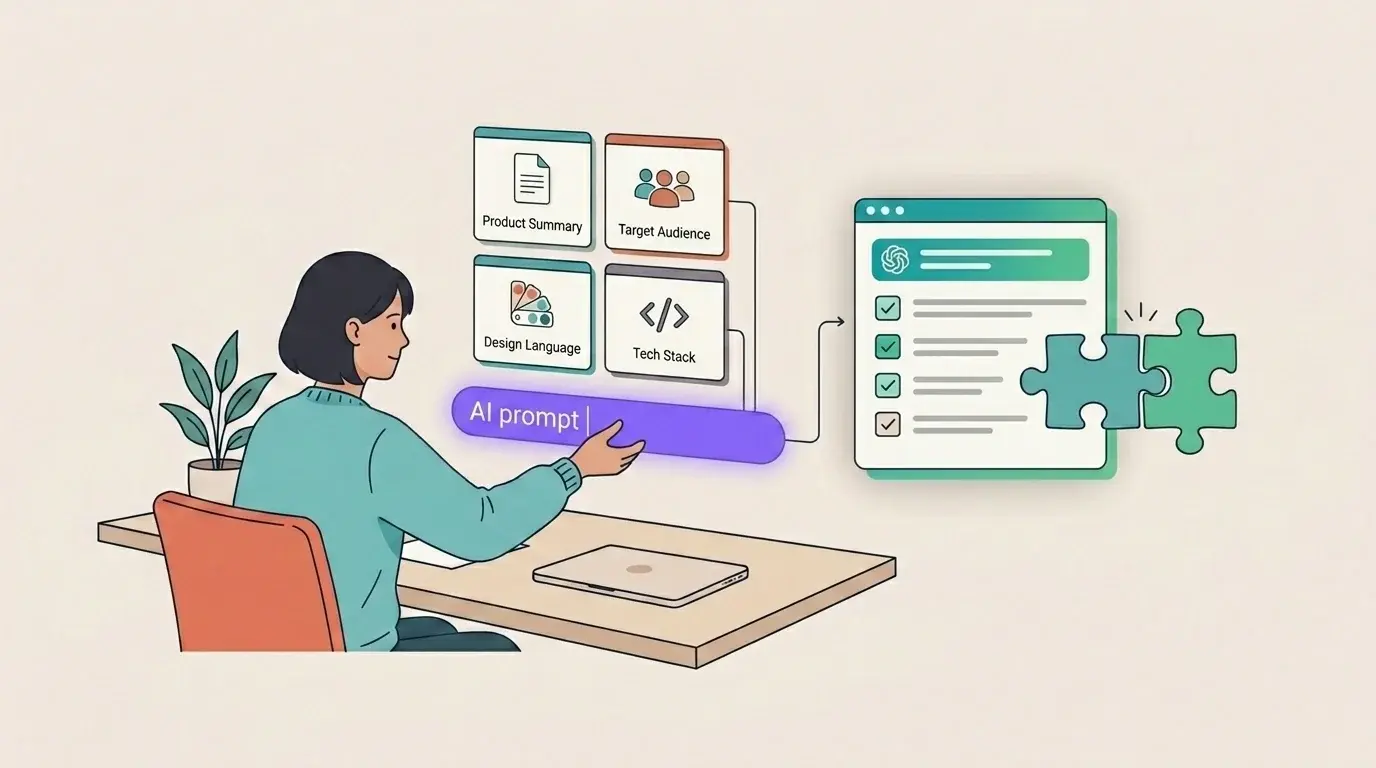
Same prompt, same model, completely different output. The difference is not prompt magic. It is whether the model knows your product, your users, your design language, and your stack before it starts generating.
Why Output Varies
Here is the same prompt, sent to the same model, sixty seconds apart.
Prompt: "Write acceptance criteria for a ticket: user can configure AI provider settings."
First attempt — no context attached: the output is a generic checklist. "User can select an AI provider from a dropdown. User can save settings. User sees a confirmation message." It could be any product, any platform, any decade. There's nothing wrong with it. There's nothing useful about it either.
Second attempt — with product context attached: the output references Jira Cloud admin pages, Forge resolver permissions, API key validation per provider (OpenAI, Anthropic, Google, Mistral, xAI), data-scope behavior at org vs. project level, and license-gated write actions. It specifies that settings persist via @forge/sql and that the UI uses Atlaskit components with xcss tokens. It reads like someone who has actually worked in this codebase.
The model did not change. The temperature did not change. The input changed. That gap — between generic and grounded — is the whole subject of this article.
When AI output feels inconsistent, the instinct is to blame the model — switch providers, upgrade tiers, tweak temperature. Almost always, that's the wrong lever.
Every prompt starts from zero. The model has no memory of your product, your users, your constraints, or your last conversation unless you explicitly provide that information. "Write acceptance criteria" means something completely different for a Jira-native Forge app serving engineering teams of ten to a hundred than it does for a consumer mobile fitness tracker.
The model responds to the world you describe. If you describe nothing, it invents one — and it is rarely yours.
This is why two people on the same team can use the same model and get wildly different results. It is not skill. It is not prompt structure. It is whether the model was given enough product reality to work with.
If you want the broader framing for why this causes such expensive mistakes in Jira, start with AI Doesn't Fix Misaligned Teams. It Hides Them.
The fix is not better prompting technique. It is building a reusable context layer — a compact, honest description of your product's world — and attaching it before you prompt for anything. You write it once. You reuse it everywhere. The model stops guessing and starts working with the same constraints your team does.
The Four Layers
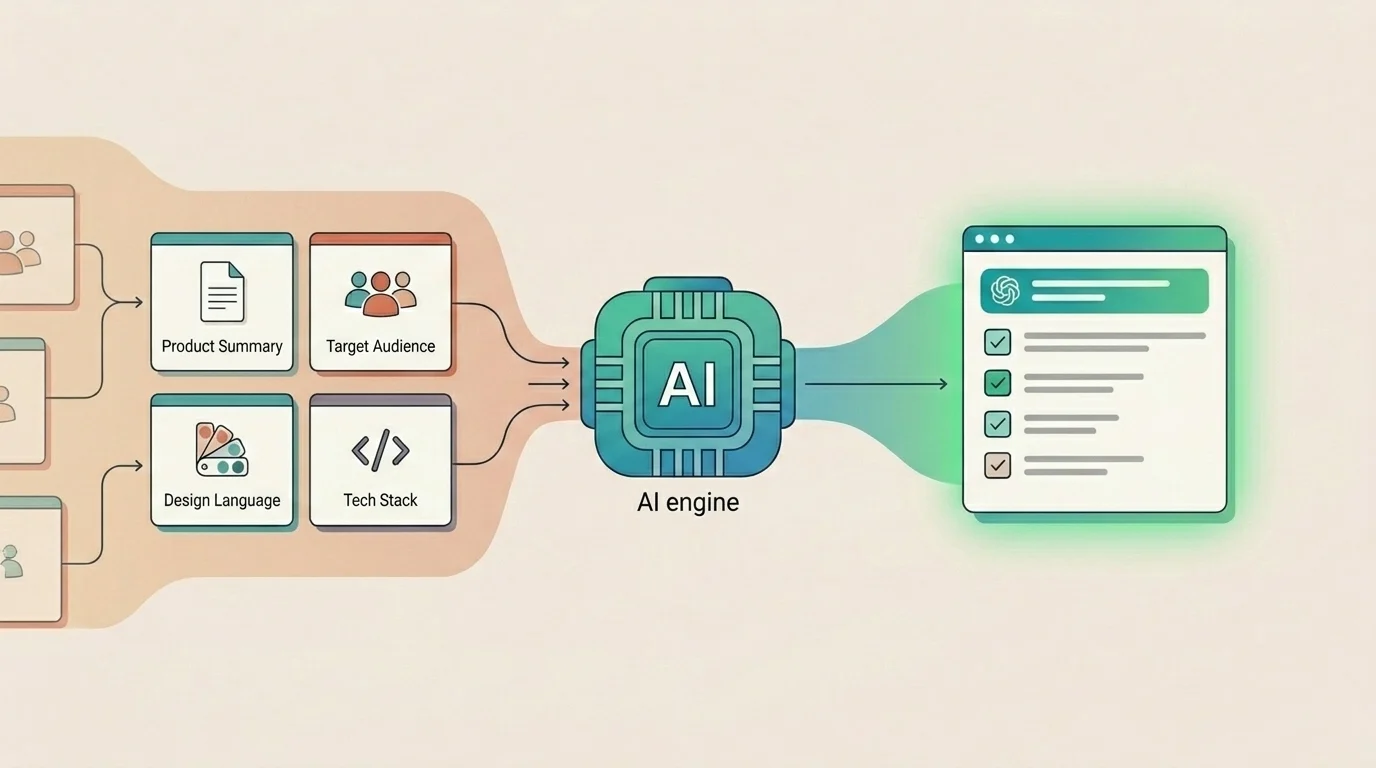
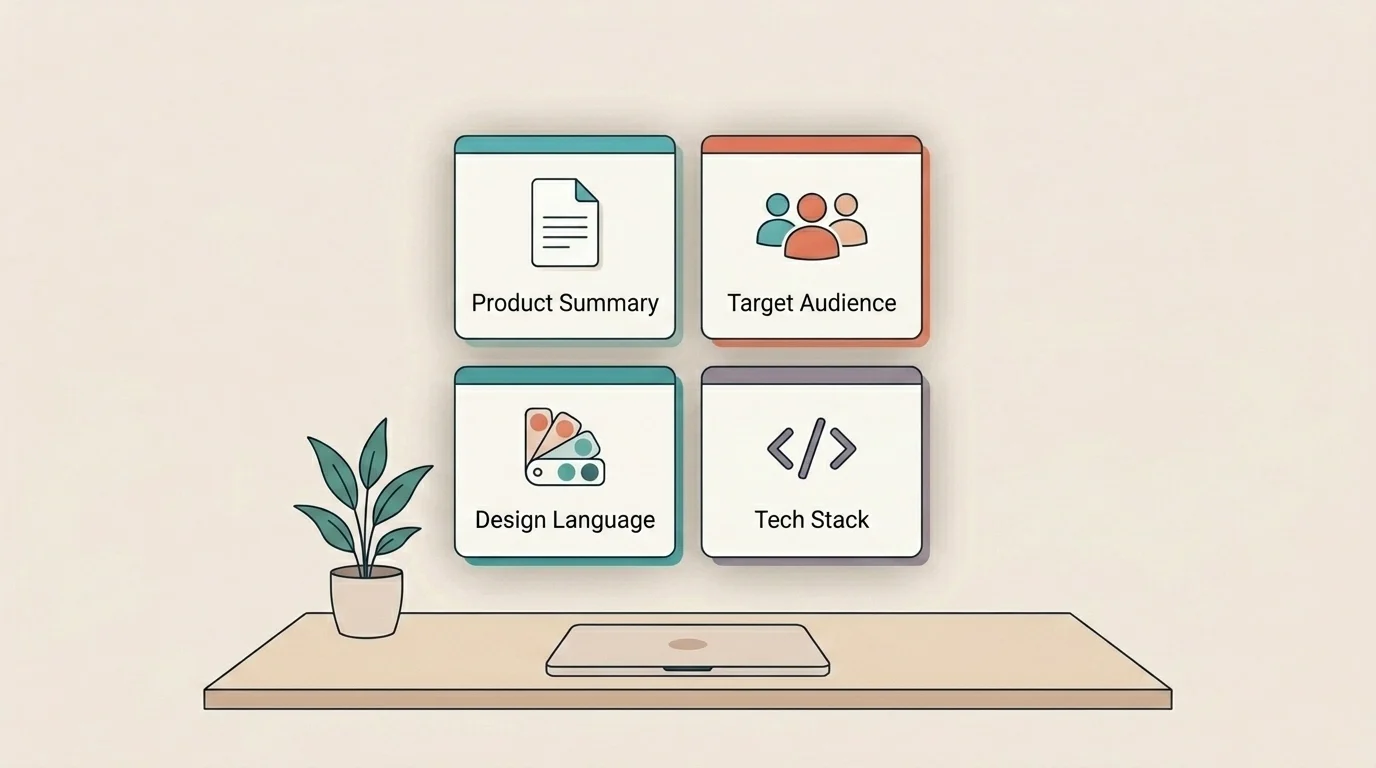
Product context is not one blob of text. It breaks cleanly into four layers, each doing different work.
- Product Summary covers what the product does, for whom, and what outcomes matter — operational truth, not marketing copy. The difference matters. "A project management tool for teams" could describe anything. "Just is a Jira-native AI copilot for product and engineering teams on Jira Cloud. Core job: turn ambiguous Jira issues into structured execution plans — clarifications, step-by-step plans, and apply-back to Jira fields — without leaving the issue panel. Not a chatbot. Not a standalone tool. Built on Atlassian Forge." describes exactly one product.
- Audience covers who users are, what they need, what they expect, and what they don't know.
- Design Language covers visual patterns, component library, interaction habits, and the things you never do.
- Stack and Constraints covers real frameworks, runtime limits, integrations, and explicitly off-limits choices.
The bad version of each field matches thousands of products. The good version matches exactly one. That's the test.
Audience Is Where Generic Context Breaks
Audience is usually the field teams oversimplify first. "Product managers and developers" sounds reasonable. It is also too vague to help the model make better judgments.
A useful audience field is specific about team shape, AI fluency, trust expectations, and what users do not want. For Just, that means PMs and senior engineers in Jira Cloud teams of 10–100, with moderate AI fluency, who manage their own API keys and care more about trustworthy output than flashy output.
The "Not for" line matters just as much. Saying this is not for teams outside Jira Cloud or for users who want fully autonomous agents removes entire categories of wrong assumptions before they happen.
This is what makes context feel grounded rather than decorative. The model is not just told who the user is. It is also told what world that user operates in and what kinds of workflows would feel wrong.
Extract What's Already There
Most teams already have all four layers of context — it's just scattered across codebases, design files, docs, and team memory rather than in a form AI can use.
From your repository: point a coding agent — Claude Code, Codex, or similar — at your codebase and ask for a markdown summary covering product purpose, stack, implementation boundaries, and known constraints. A well-structured repo yields a usable first draft in minutes.
From your design files: identify the component library name, three to five key interaction patterns your product relies on, and three things the UI never does. The anti-patterns matter as much as the patterns.
From existing docs: onboarding notes, README files, internal briefs, or marketing context can all contribute fragments of product summary and audience definition. They don't need to be perfect to be useful.
From your own head: if none of the above exists yet, open a blank document and write one paragraph per field right now. It will be imperfect. Imperfect context beats no context by a wide margin.
You don't need perfect documentation. You need a compact, honest description of the world your product lives in.
Store It Once, Reuse It Everywhere
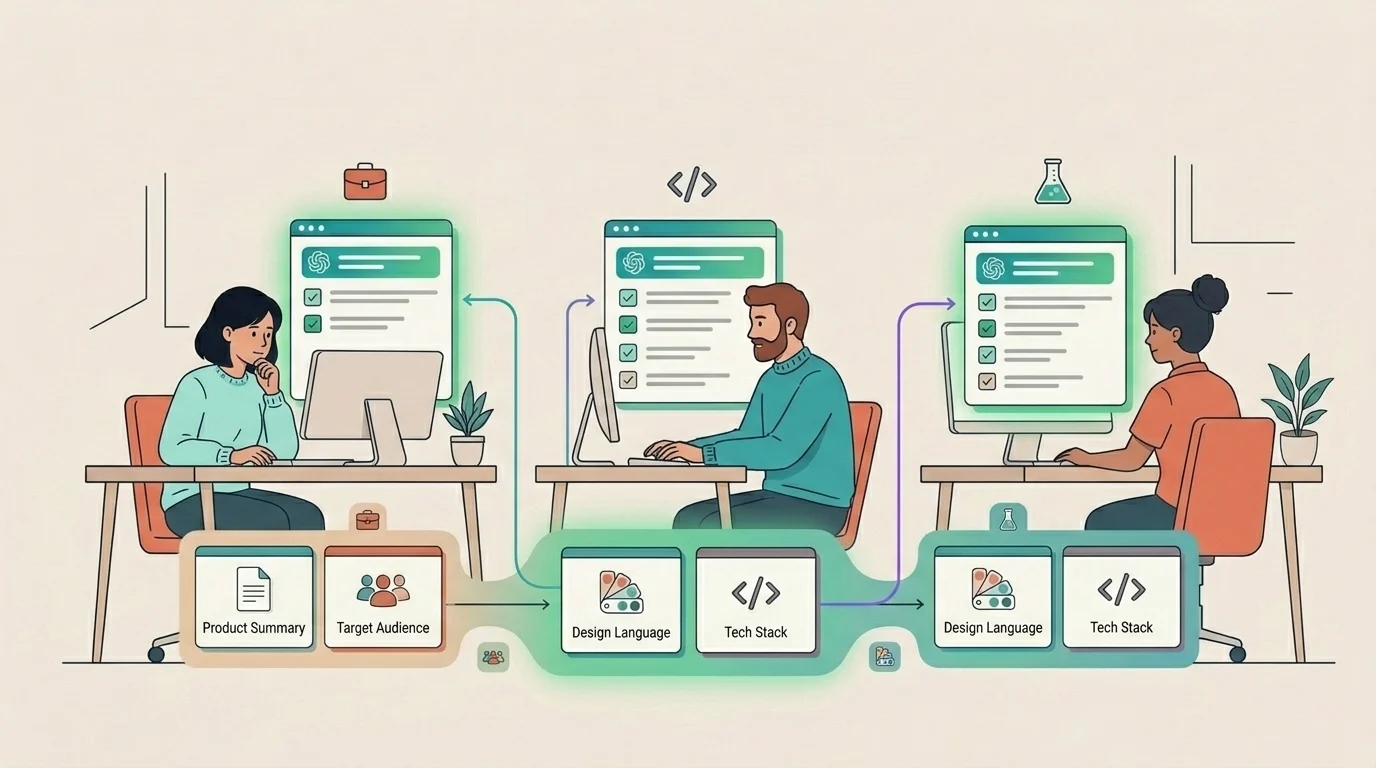
Context only pays off if it's reusable. Writing it once and pasting it into a single session helps that session. Making it persistent helps every session.
- In Just, the admin panel has a dedicated section for each of these four context fields — Product Summary, Audience, Design Language, and Stack. Paste your content into each field once per project. Every future insight, clarification, plan, and execution step in that project is grounded by this context automatically.
- If you're not using Just, create a single
context.mdfile at the root of your repo or in shared docs. Structure it with the same four sections. Paste it at the start of any AI session — coding assistants, chat tools, document generators. The format matters less than the habit: context goes in first, before the prompt.
Treat your context layer as a living document, not a launch-day artifact. Review it when the product changes significantly — a new integration, a major audience shift, a design system migration. Don't review it every sprint. If your product summary changes every two weeks, it's not a product summary — it's meeting notes.
Context Is Not Prompt Engineering
Product context is not prompt engineering. It's not a trick, a template, or a clever hack. It's giving the model the same briefing you'd give a new contractor on day one: here's what we build, who it's for, how it should look, and what it runs on.
Teams that do this once — and reuse it consistently — get outputs that feel like they came from someone who actually understands the product. Because in every functional sense, they did. The model didn't get smarter. You just stopped asking it to guess.