
The AI Budget Nobody Talks About
A team-wide AI budget is not just a $20 seat multiplied by headcount. Real monthly cost depends on roles, workflow usage, coding agents, and how intentionally you allocate the stack.

AI Adoption Is a Monthly Operating Cost
There is a comfortable fiction that AI costs $20 per seat and you are done.
That number is real. It is also incomplete. It describes one chat subscription for one person, not what happens when a company starts using AI across product, engineering, design, marketing, QA, and operations all at once, every day, on real work.
Once AI enters real workflows, it stops behaving like a simple tool subscription and starts behaving like operating cost. Not because it is wildly expensive, but because it touches everything. A product manager reshaping Jira tickets, an engineer running coding agents for hours, a designer generating image variants, a marketer drafting campaign copy, and a QA lead producing test matrices do not create the same cost profile.
The useful question is not whether AI costs money. It does. The useful question is how to distribute that spend so it actually matches the value each person extracts from it.
The Three Real Cost Layers
When a team adopts AI beyond casual experimentation, spend usually lands across three layers at once.
- Seat-based chat tools. This is the visible cost everyone notices first: ChatGPT Business, Claude Team, Gemini Advanced, and similar plans. These cover drafting, summarization, brainstorming, quick analysis, and everyday prompting. They are useful for almost everyone. They are also only the beginning.
- Workflow and API usage. This is where AI becomes operational rather than conversational. Instead of one person chatting with a model, the team runs structured planning, research, image generation, Jira issue enrichment, and document workflows. Tools like the Just pricing calculator live here, and the spend scales with what actually runs.
- Coding agents. This is the line that catches teams off guard. Claude Code, Codex, and similar tools burn far more compute than a normal chat session because they read files, reason about architecture, write code, run tests, and iterate.
These three layers — seats, workflows, and coding agents — are the real anatomy of a team's AI budget. The planning mistake is treating them as one neat number.

Why Different Roles Cost Different Amounts
This is the section that should change how you budget.
A company that gives every employee the same AI subscription is almost certainly misallocating money. An engineer running Claude Code for six hours looks nothing like a recruiter drafting interview questions. A PM using AI to shape requirements across thirty tickets per week is a fundamentally different cost profile than a support agent using chat for occasional reply drafting.
The differences are not small. They can easily be 5–10x between roles.
| Role | Light usage | Regular usage | Heavy / power usage |
|---|---|---|---|
| Engineers | $20–40 | $50–120 | $100–250+ |
| Product Managers / Leads | $20–40 | $40–120 | $100–200 |
| Designers | $20–50 | $50–150 | — |
| Marketers / Content | $20–40 | $40–100 | — |
| QA / Testing | $15–40 | $30–80 | — |
| Recruiters / People Ops / Support | $10–30 | $20–60 | — |
These are not product prices. They are role-budget bands: what one person's total AI spend tends to look like once you combine seats, workflow usage, and any coding-agent costs. A dash does not mean impossible. It means rare enough that it should be treated as an exception, not a default planning assumption.
A few patterns matter more than the table itself. Engineers are usually the most expensive AI users because coding agents dominate their cost profile. PMs can become surprisingly heavy users once AI is involved in ticket shaping, planning, and research. Designers spike when image generation becomes frequent. Support, recruiting, and operations usually stay light.
The conclusion is straightforward: equal per-person AI budgeting is almost always wrong.

What One Workflow Costs in Just
Abstract cost layers are useful for framing. Concrete workflow numbers are what make planning possible. Here is what it looks like inside Just, where structured AI workflows run against real Jira issues.
One default insight — the standard AI-powered analysis of a Jira issue — costs ~$0.60. A heavier insight with search and five generated images typically lands in the $0.60–$1.00 range end to end.
At step level, the rough order of magnitude looks like this. Image costs below refer to Nano Banana 2, Google's current image model default inside Just.
| Step type | Estimated cost |
|---|---|
| One Opus-heavy text / structured step | ~$0.10 |
| One Google web-search call | ~$0.035 |
| One Nano Banana 2 image at 1K (16:9) | ~$0.10 |
The important part is not the exact cent value. It is that the workflow stops being abstract. A team can see the difference between a lightweight planning run and a research-heavy one, then decide which workflows deserve broad usage and which should stay selective.
If you want a quick baseline for your own team, use the Just pricing calculator below:
Quick presets
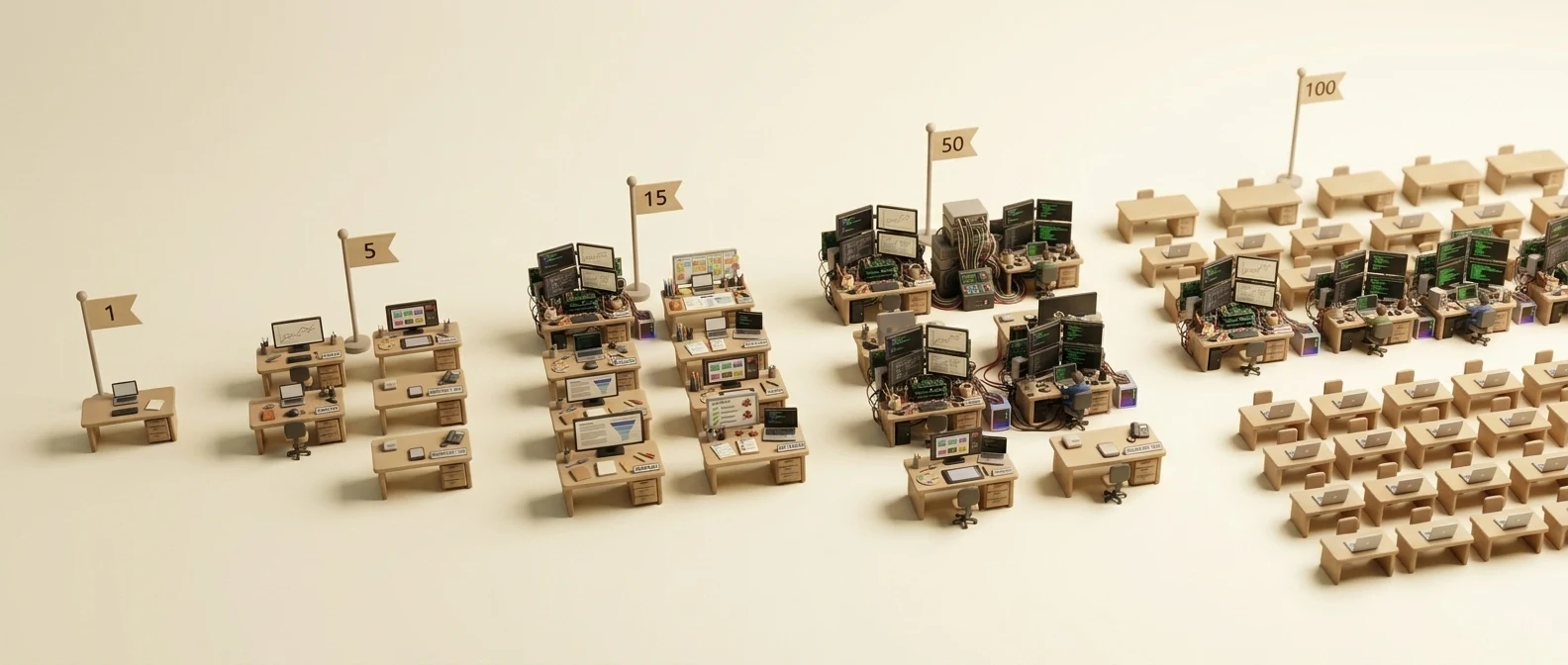
Monthly Scenarios By Team Size
This is where the budget becomes tangible. The numbers below are directional estimates — useful for planning, not pseudo-precise quotes. Which scenario fits your team depends on how AI is primarily deployed: workflow-first, broad seat rollout, or engineering-heavy.
Just-led workflow budget
These numbers assume structured Jira workflows as the center of the AI stack.
| Team size | Directional monthly range |
|---|---|
| Solo | ~$25 |
| 5 people | ~$60 |
| 15 people | ~$200–300 |
| 50 people | ~$700–1,000 |
| 100 people | ~$1,500–2,000 |
Seat-only rollout
This is the simplest model: give everyone a chat plan and call it done.
| Team size | ChatGPT Business | Claude Team Standard |
|---|---|---|
| 5 people | ~$125 | ~$100 |
| 15 people | ~$375 | ~$300 |
| 50 people | ~$1,250 | ~$1,000 |
| 100 people | ~$2,500 | ~$2,000 |
This model is easy to budget and easy to roll out. It is also incomplete. It tells you almost nothing about workflow visibility, output quality, or heavy engineering usage.
Mixed seat + coding-agent rollout
This is closer to what serious teams actually end up doing.
| Team size | Directional monthly range |
|---|---|
| 5 people | ~$250–450 |
| 15 people | ~$600–1,000 |
| 50 people | ~$1,800–2,800 |
The pattern matters more than the exact number. Coding agents quickly become their own budget line, and a small group of heavy users can consume more budget than everyone else combined.
Coding Agents Are Their Own Budget
This is the cost line teams underestimate most often.
Coding agents are not chat tools. They do not behave like chat, and they do not cost like chat. A normal conversation might involve a few thousand tokens. A coding-agent session can chew through hundreds of thousands while it reads the codebase, reasons through architecture, writes code, runs tests, and iterates.
That is why a $20 plan often does not sustain even one focused engineering day.
| Tier | Monthly cost | What it actually supports |
|---|---|---|
| Claude Pro | $20 | Access, but focused coding sessions hit limits fast |
| Claude Max 5x | $100 | Sustained daily coding-agent work |
| Claude Max 20x | $200 | Heavy autonomous or power-user loops |
| ChatGPT Pro | $200 | Priority compute and heavier Codex-style usage |
The practical advice is simple: budget coding agents separately from general chat seats. Identify who genuinely uses them every day, put those people on the right tier, and do not smear that cost across the whole company.
The Smarter Budget Model
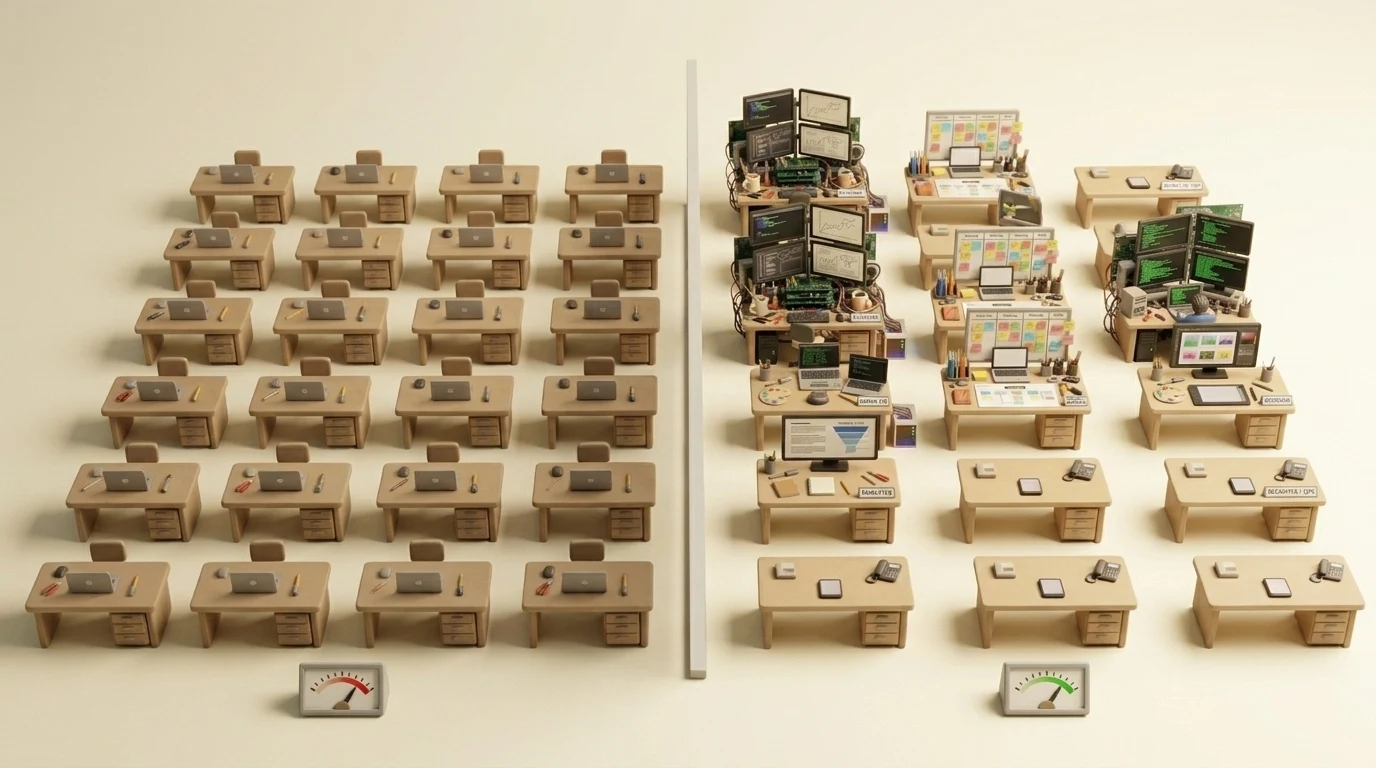
Most teams start with one of two bad approaches: give everyone the same plan, or let everyone expense whatever they want. The first is simple but wasteful. The second is flexible but invisible.
A better model is role-aware allocation with explicit monitoring:
- Heavier AI budgets go to the people who truly compound value with it — usually strong engineers, high-usage PMs, and anyone whose output gets multiplied through AI assistance.
- Broader teams get lighter seats where that is enough for drafting, analysis, and occasional research.
- Workflow-heavy teams get tooling where outputs stay reusable and traceable instead of disappearing into private chat history.
This is where Just: AI Assistant for Jira helps as more than another AI tool. It makes workflow cost visible, lets teams route different steps to different providers, and ties spend to actual issue-level work instead of vague chat volume. If you want the reasoning behind that provider split, Not Every Model Earns Every Role breaks down why planning, research, and image work often land on different models.
The goal is not to minimize spend at all costs. It is to match spend to value, cut idle tooling, and invest more where AI compounds useful work every day. If you are starting with a limited budget, begin with workflow tooling where outputs are reusable — that is where the return tends to show up first.
The Return Is in the Allocation
AI is worth paying for. The real mistake is lazy cost allocation: treating AI like a flat utility when it is actually a variable operating cost shaped by role, intensity, and tool type.
The teams that get the most from AI are not the ones that spend the least — or the most. They are the ones that match spend to value: heavier investment where AI compounds output daily, moderate workflow spend where outputs stay reusable, light seats for everyone else, and explicit budgets for coding agents.
AI is not one line item. It is multiple cost layers, multiple role profiles, and a spectrum that runs from near-zero usage to a few hundred dollars per person each month. The companies that plan for that reality are the ones that actually capture the return.
Estimate your team's workflow cost with the Just pricing calculator, or browse Jira workflows on the Just Marketplace page.